Snapchat Planets for Beginners: Step-by-Step Guide
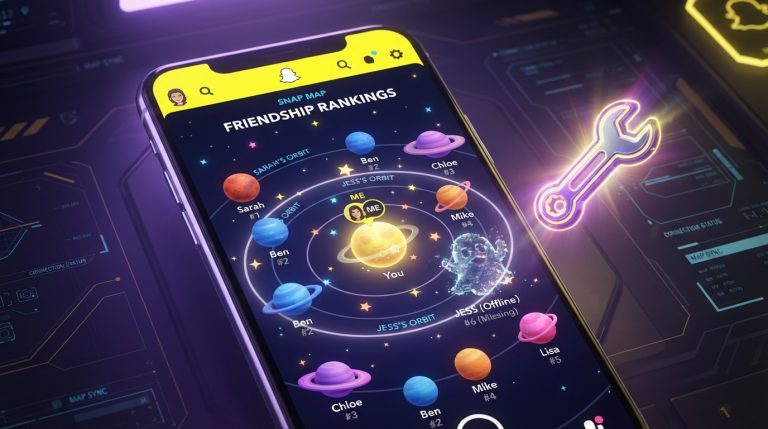
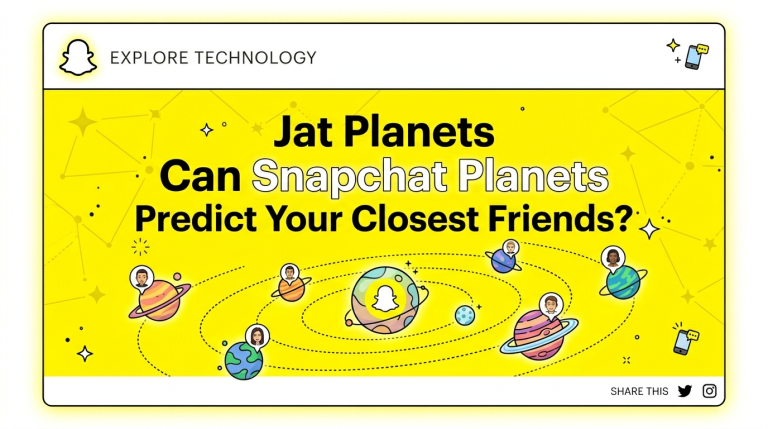
Snapchat Planets is a feature inside Snapchat Plus that visually represents your closest friends using a solar system model. Each of your top eight friends is assigned a planet based on how much you interact with them. For beginners, this feature can feel confusing at first, especially if you don’t understand how the ranking works or how to view it.
In this guide, we’ll break down Snapchat Planets in a simple, step-by-step way so you can easily understand how it works and how to use it.
What Is Snapchat Planets?
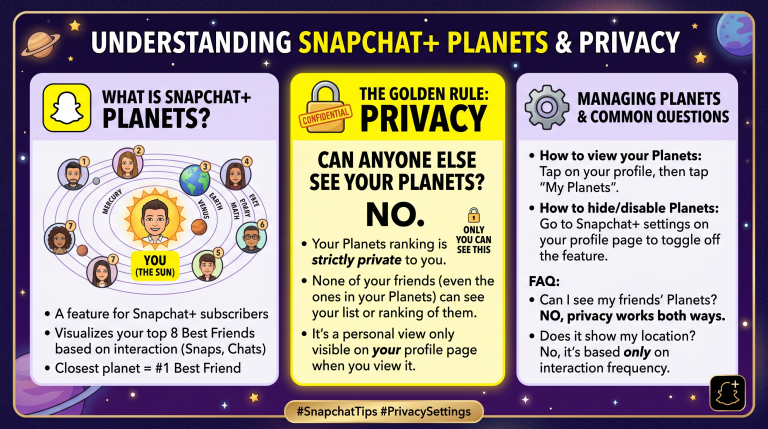
Snapchat Planets is part of the Friend Solar System available only to Snapchat Plus users.
In this system:
- You are the Sun
- Your closest friends are assigned planets
- Each planet represents a ranking based on interaction
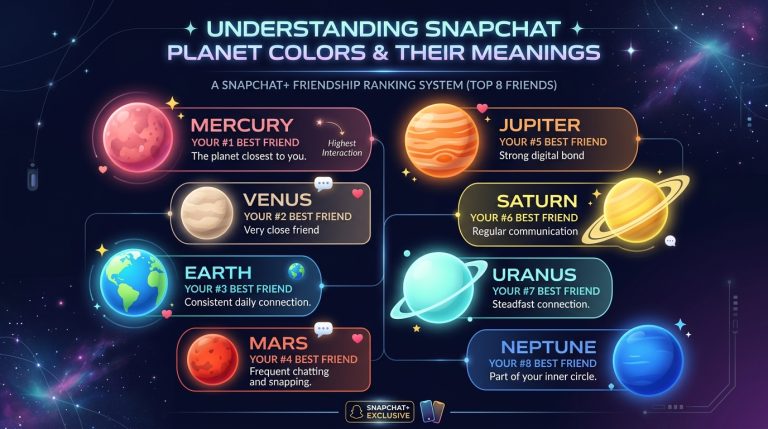
The ranking order is:
- Mercury (closest friend)
- Venus
- Earth
- Mars
- Jupiter
- Saturn
- Uranus
- Neptune (eighth closest friend)
The closer the planet is to the Sun, the stronger your interaction with that friend.
Step 1: Subscribe to Snapchat Plus
Before you can access Snapchat Planets, you must have Snapchat Plus.
To subscribe:
- Open Snapchat
- Tap your profile icon
- Select Snapchat Plus
- Choose a plan
- Complete payment
Once activated, premium features including Planets will unlock.
Step 2: Open a Friend’s Profile
After subscribing:
- Go to your chat list
- Tap on a friend’s name
- Open their profile page
This is where you will check their planet position.
Step 3: Look for the Friend Badge
On the profile screen, you may see a badge under their name.
This badge can show:
- Best Friends badge
- Friends badge
- Planet indicator (if available)
Tap on the badge to view details.
Step 4: Check Their Planet Position
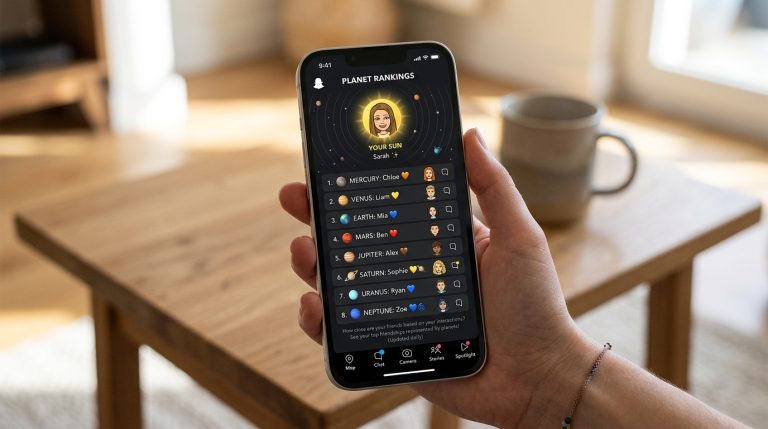
When you open the Friend Solar System view, you will see:
- A Sun in the center (you)
- Planets around it
- Your friend placed on one of the planets
The planet shows your ranking with that person.
For example:
- Mercury = your #1 friend
- Venus = #2 friend
- Neptune = #8 friend
Step 5: Understand What the Planet Means
Each planet represents your interaction level.
- Mercury → highest interaction
- Venus → very strong interaction
- Earth → strong interaction
- Mars → moderate interaction
- Jupiter to Neptune → lower interaction levels
The ranking is based on how often you communicate.
Step 6: Interact to Change Rankings
If you want to change your planet ranking:
- Send more snaps
- Chat regularly
- Maintain Snapstreaks
- View and reply to stories
Snapchat updates rankings based on your activity.
Step 7: Check Changes Over Time
Planet rankings are not fixed.
They can change when:
- You interact more or less with someone
- Another friend becomes more active
- Snapstreaks are gained or lost
Checking regularly helps you track changes.
How Snapchat Determines Planets
Snapchat uses several signals:
- Snap frequency
- Chat activity
- Story engagement
- Recency of interaction
- Consistency of communication
These combined factors decide your ranking position.
Why Snapchat Planets May Not Show for Beginners
Sometimes beginners cannot see Planets due to:
- Not having Snapchat Plus
- Outdated app version
- Feature not enabled yet
- Friend not in top 8
Without meeting these conditions, Planets will not appear.
Tips for Beginners Using Snapchat Planets
Focus on Daily Activity
Regular interaction matters more than occasional chatting.
Keep Snapstreaks Active
Streaks help maintain strong engagement signals.
Interact With Stories
Replies and reactions improve connection strength.
Stay Consistent
Snapchat rewards steady usage patterns.
Common Beginner Mistakes
Many new users misunderstand Snapchat Planets by:
- Thinking it reflects real-life friendship
- Assuming rankings are permanent
- Believing colors affect ranking
- Expecting mutual planet positions
In reality, it is based only on Snapchat activity.
Final Understanding for Beginners
Snapchat Planets is a simple but dynamic feature that shows your top friends based on interaction levels. Once you understand the step-by-step process, it becomes easy to check rankings and see how your Snapchat activity affects your Friend Solar System.